



The 2026 AI Laptop Lineup: Silicon That Thinks
Laptops are no longer used for simply browsing, typing, and streaming. The latest generation of AI laptops is changing the face of personal computing to something significantly more intelligent, adaptive, and future-ready. An AI-enabled laptop isn’t just a machine with a speedier processor; instead, it has its own specialised brain called the Neural Processing Unit (NPU). This dedicated hardware can handle AI-powered workloads, such as real-time video enhancement, on-device language models, AI picture production, battery optimisation, live captioning, and smart productivity functions without overwhelming the CPU or depleting the battery. Some other AI-enabled PC benefits include better grasping of processes and automatic acceleration of work. AI computing is the new standard in the industry, from Microsoft Copilot+ PCs to creative laptops with more power. Check the collection of brands, including Acer, Lenovo, Samsung, Asus, Infinix, and more. Buy AI laptops online on Flipkart today and get the benefit of doorstep delivery.
AI laptops nowadays run on a variety of architectures, each tuned for particular classes of users and workloads. Understanding these platforms can assist you in picking the best future-proof AI PC for your needs.
Different AI Laptop Architectures Available on Flipkart
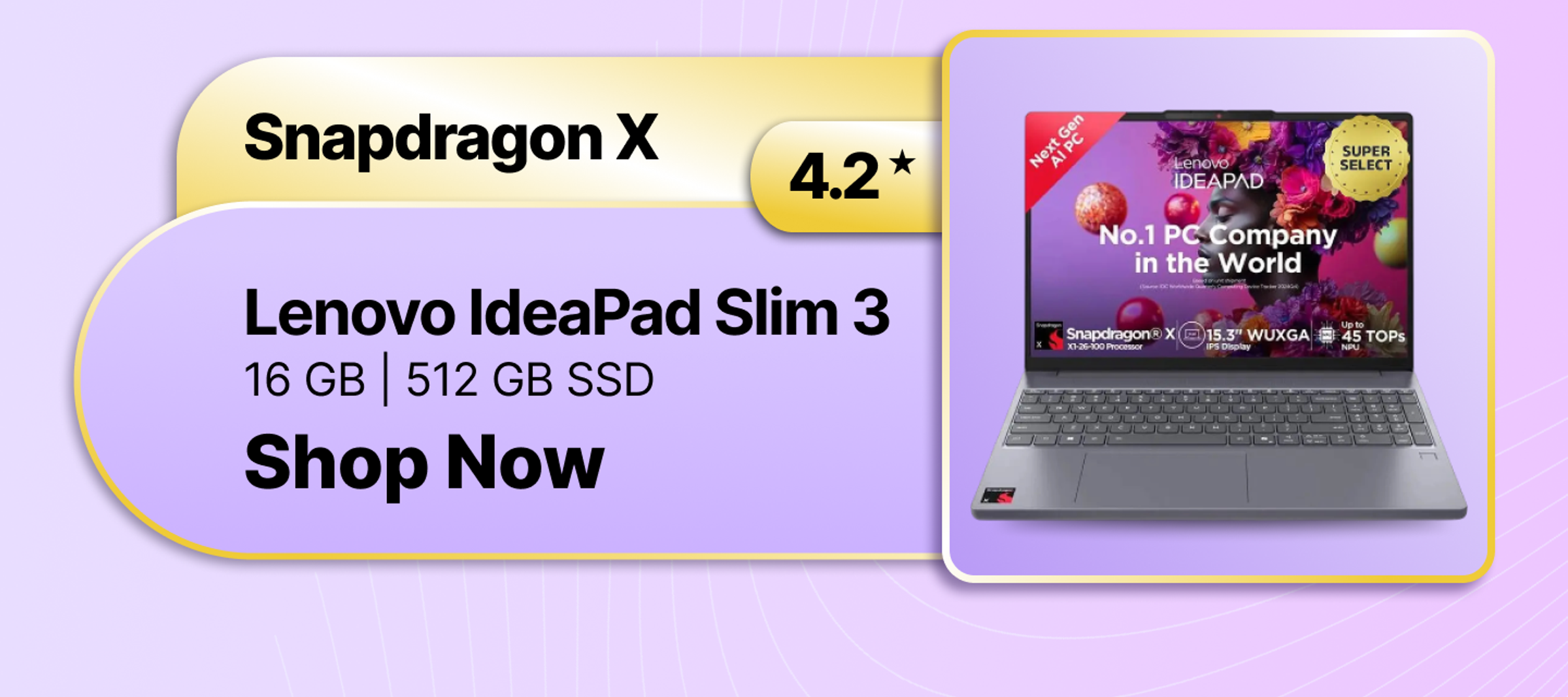
- Snapdragon X Elite and X Plus: If you care most about battery life and mobility, Snapdragon X Elite laptops can be the go-to choice. These Copilot+ laptops are equipped with NPUs that deliver more than 45 TOPS for complex AI workloads with extraordinary energy efficiency.
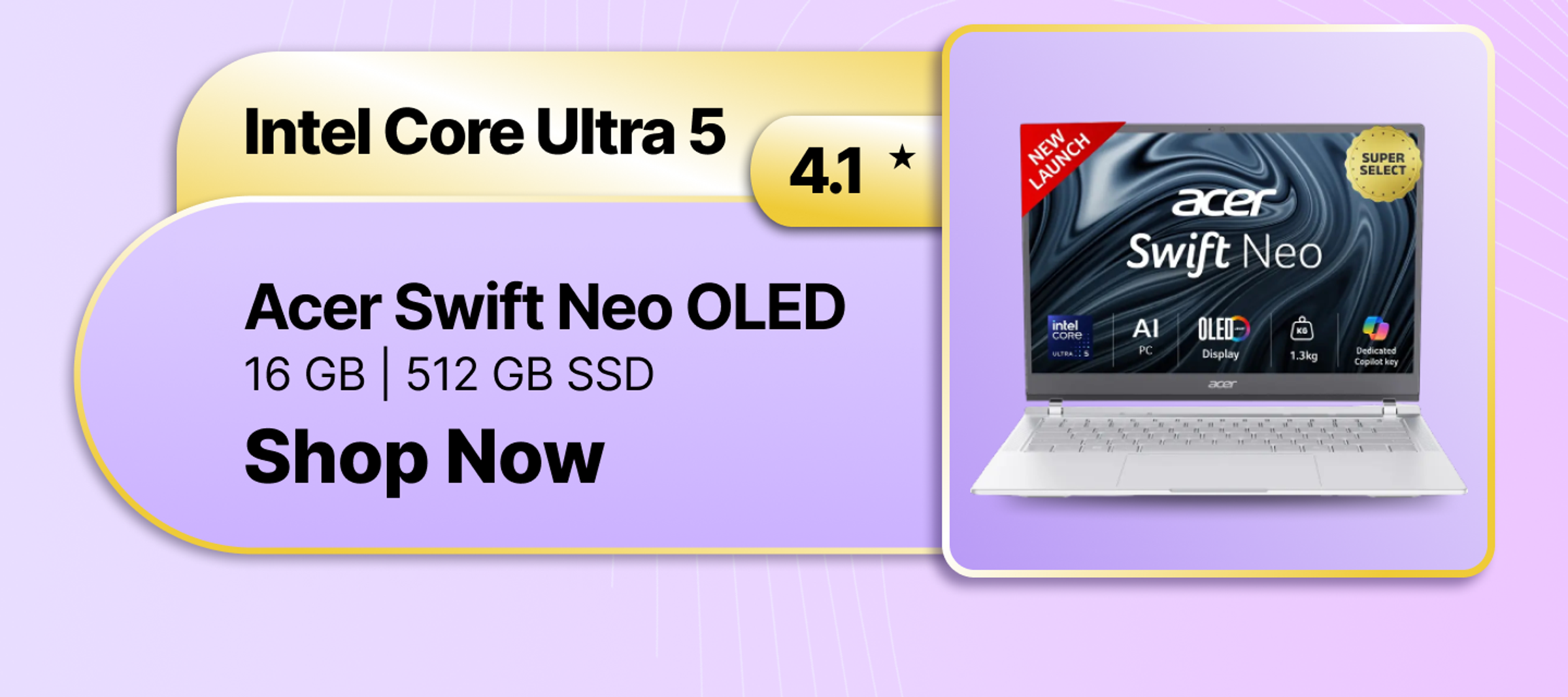
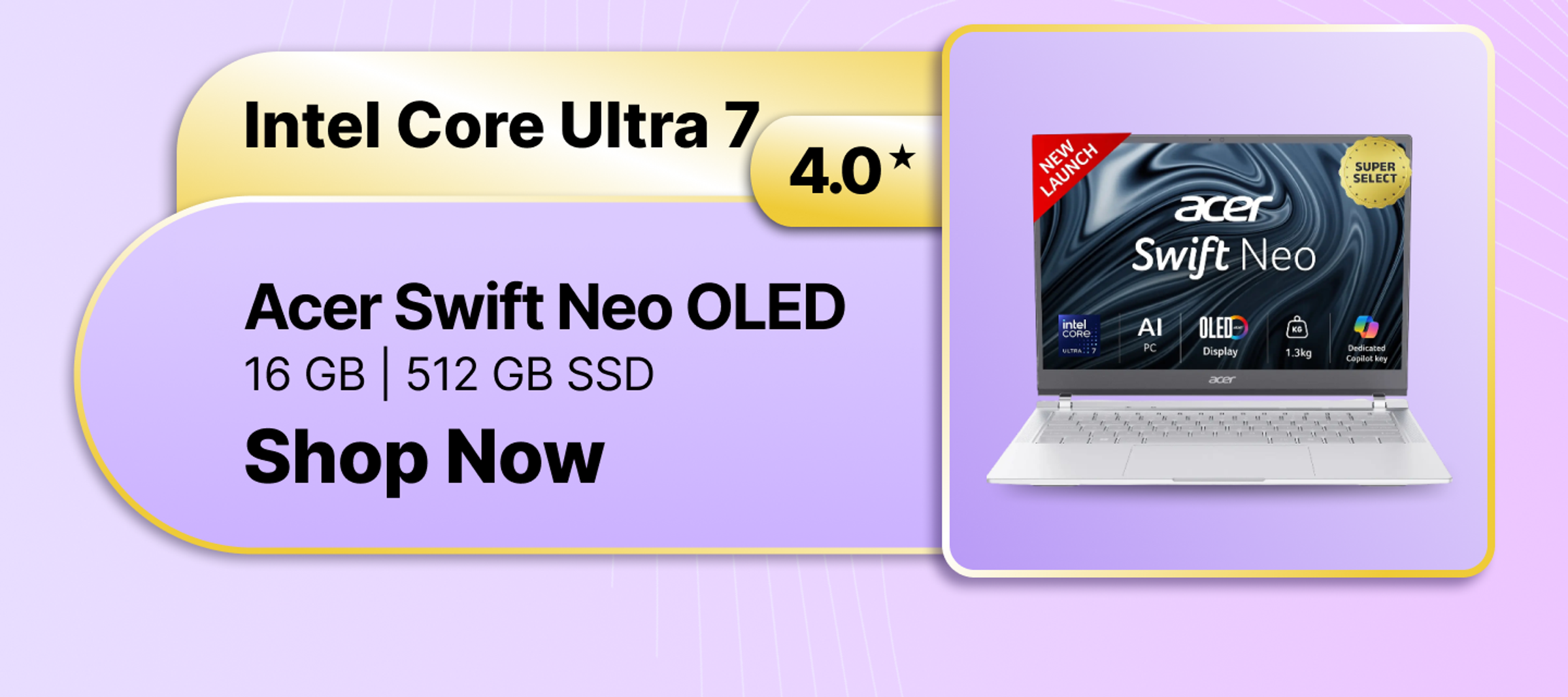
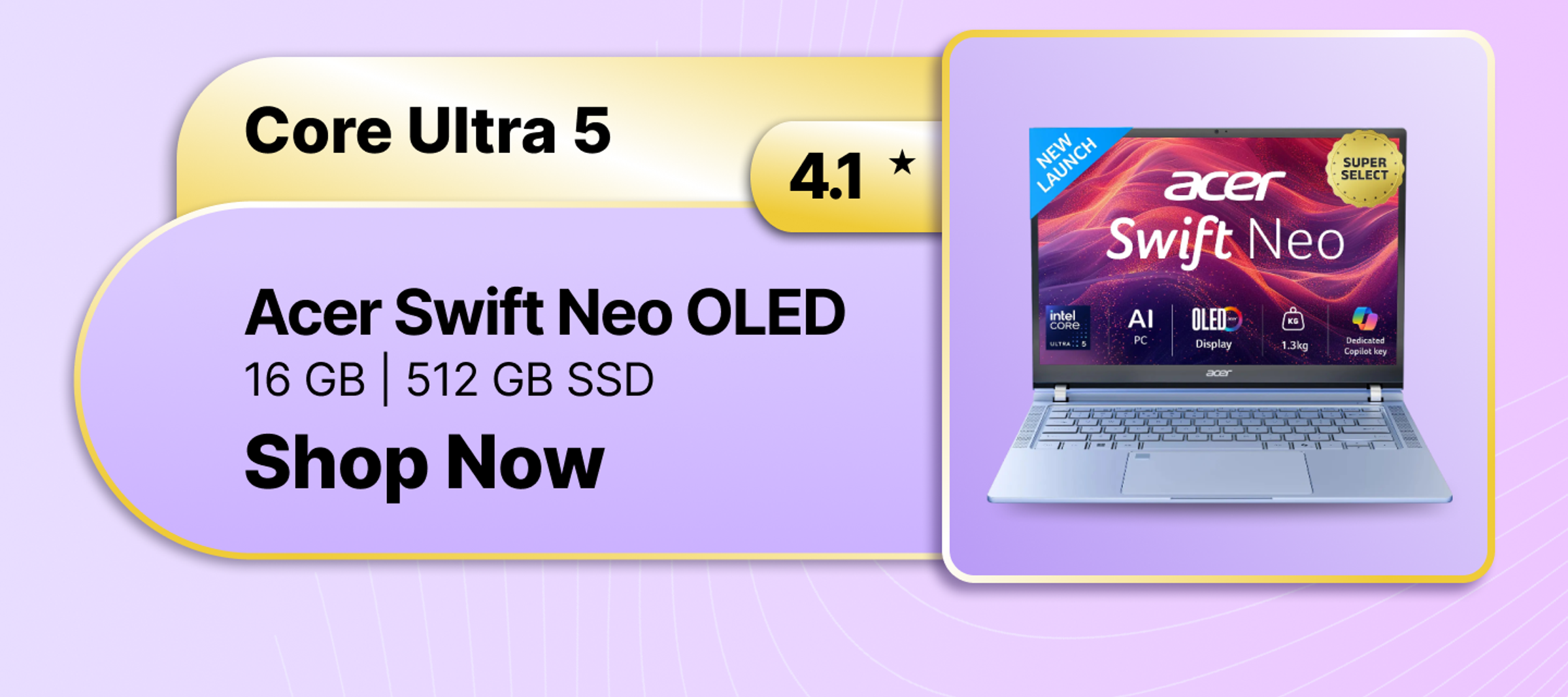
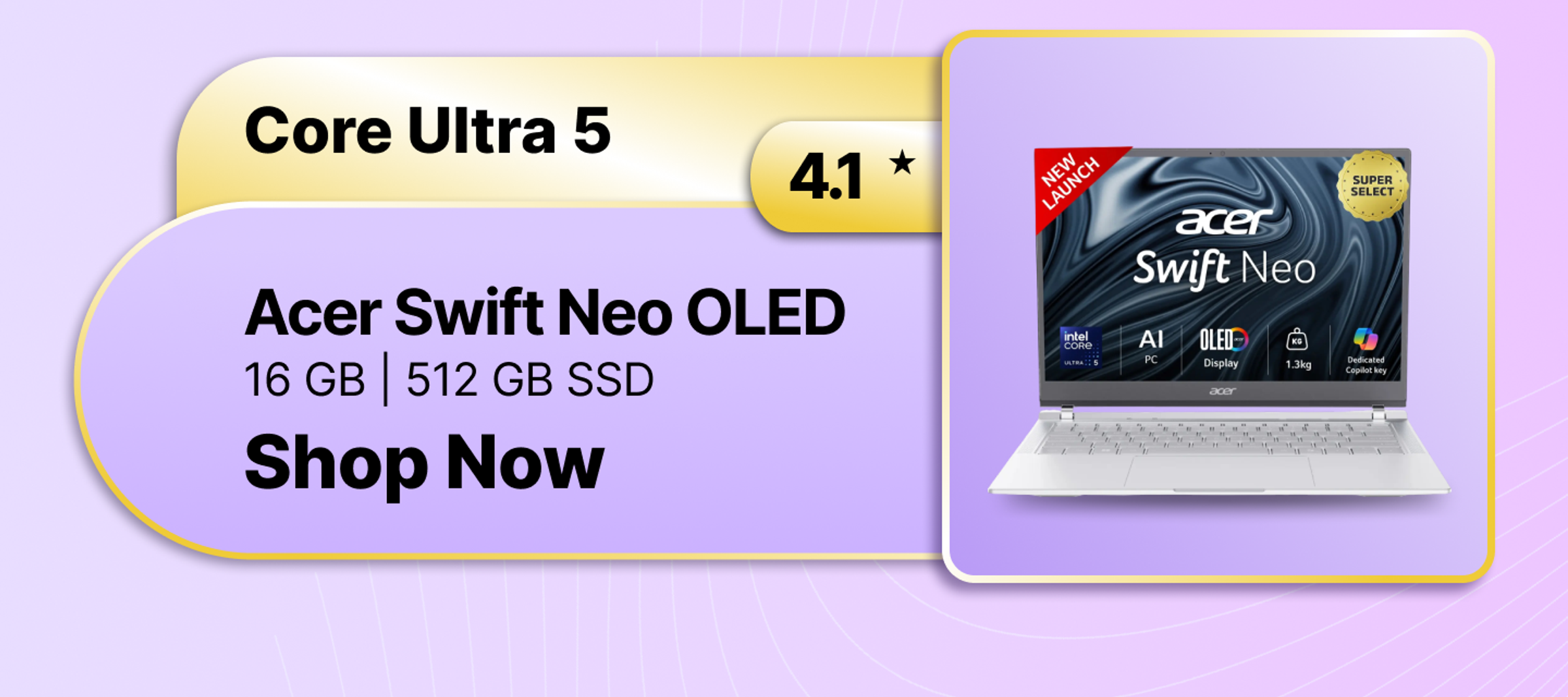
- Intel Core Ultra Series: Intel’s Meteor Lake and Lunar Lake Core Ultra CPUs can bring AI acceleration to ordinary laptops with integrated NPUs. Intel provides balanced performance with the CPU, GPU, and NPU working hand-in-hand instead of going all-in on raw AI testing. Intel Core Ultra laptops are still the best laptops for local AI.
- AMD Ryzen AI Series: The AMD Ryzen AI 8000 and 9000 series processors can be the ideal choices if you want heavy-duty performance and AI acceleration. These chips are designed for gaming, multitasking, streaming, and creative tasks.
- NVIDIA RTX 40 and 50 Series: The use of GPU acceleration for AI-assisted applications can be a reliable choice if you are a creative professional, as NVIDIA RTX GPUs have remained the leader in this sector. Graphics cards in the RTX 40 and RTX 50 series accelerate tools like Adobe Creative Cloud, Blender, DaVinci Resolve, and AI image-generating software.
Core Features of AI Laptops
- The NPU: You may wonder: what is an NPU in a laptop? NPU is designed exclusively for AI applications, unlike CPUs and GPUs. The NPU takes care of features, such as camera backdrop blur, real-time translation, facial tracking, and voice separation.
- Local AI Privacy: One of the biggest benefits of AI-enabled PCs is the ability to run Small Language Models (SLMs) locally on the device. Instead of sending sensitive information to cloud servers, you can perform AI-powered summarisation, transcription, translation, and content generation privately offline. A private offline AI PC is ideal for developers, researchers, businesses, and users concerned about data privacy.
- AI Battery Management: AI laptops use machine learning algorithms to analyse usage patterns and alter performance, power delivery, and thermal management on the go. This prolongs AI laptop battery life.
- Dedicated AI Keys: Many laptop models have a dedicated Copilot key or a brand-specific AI button to quickly access AI assistants and productivity applications. This allows for AI assistance in a single tap to boost workflow efficiencies.
Who Should Buy an AI Laptop?
- Content Creators: For producers working with Premiere Pro, Blender, and Photoshop, AI-powered masking, auto-editing, faster rendering, and better video processing add up to a big productivity boost.
- Students or Researchers: Students’ laptops with AI can help in PDF summarisation, live captioning, AI-assisted note-taking, and offline productivity.
- Developers: AI-enabled laptops can help developers execute local coding assistants, AI models, and dev environments much more efficiently.
- Corporate Professionals: Enhanced remote work experience with AI-enabled meeting improvements, biosecurity, real-time translation, and intelligent productivity tools.
Why Buy an AI Laptop on Flipkart?
Flipkart enables you to browse through several AI laptops and buy with handy filters for TOPS performance and NPU brand choices. Smart AI laptop exchange offers allow you to upgrade from outdated systems. In addition, Flipkart’s laptop protection plan adds further security for premium devices, including many of the best AI laptops under 1 lakh. Buy your desired AI-enabled laptop on Flipkart today!
Questions and Answers
- Q.Is it worth buying an AI laptop?A.AI-enabled laptops rank among future-proof computer devices as they can quickly adopt AI-powered features across work, creativity, and entertainment software.
- Q.Is an AI laptop better for gaming?A.AI-enabled laptops can take your gaming to the next level, with artificial intelligence boosting frame rates and improving image quality using technologies such as NVIDIA DLSS 3.5 and DLSS 4. It can also improve streaming, eliminate background noise when you're in audio conversations, and boost system speed for smoother gameplay and multitasking.
- Q.Can an AI laptop run regular software?A.Yep. An AI-enabled laptop is still just a regular Windows or macOS computer, so you can use regular software like Microsoft Office, Google Chrome, Photoshop, Zoom, coding tools, and entertainment apps. The addition of AI hardware enhances performance and adds intelligent features without affecting compatibility with standard software.
- Q.What does TOPS mean in an AI laptop?A.TOPS stands for Trillion Operations Per Second, which means how fast the NPU in the laptop can perform AI-related activities and calculations. The higher the TOPS, the faster the AI runs, the better it will be at multitasking, and the more advanced AI capabilities it enables, including real-time video editing, offline AI assistants, and smart productivity tools.
- Q.Do I need an internet connection for AI features?A.Not necessarily. Many of today’s AI laptop capabilities, such as live captioning, background blur, and noise reduction, can now run on the NPU. This enables speedier processing, better privacy, and higher battery efficiency, all without relying on cloud servers or internet connectivity.